Breaking the Mold: A Deep Dive into Fanan’s AI-Powered DAW, Sonify
The music production landscape is undergoing a massive paradigm shift. Traditional digital audio workstations (DAWs) have long relied on rigid timelines, heavy VST/AU ecosystems, and manual mix-downs. Enter Sonify by the Fanan Team—a cross-platform, free-to-download “super studio” that bridges classic multi-track sequencing with advanced, native artificial intelligence.
Spotted recently across industry hubs like KVR Audio and Noizefield, Sonify is built on Fanan’s self-developed, low-latency 64-bit audio engine and supports Windows, macOS (Intel & Apple Silicon), and Linux.
Let’s break down what makes this release a potential game-changer for modern creators, producers, and bedroom beat-makers.
- 1. PM Core Architecture & Workflow
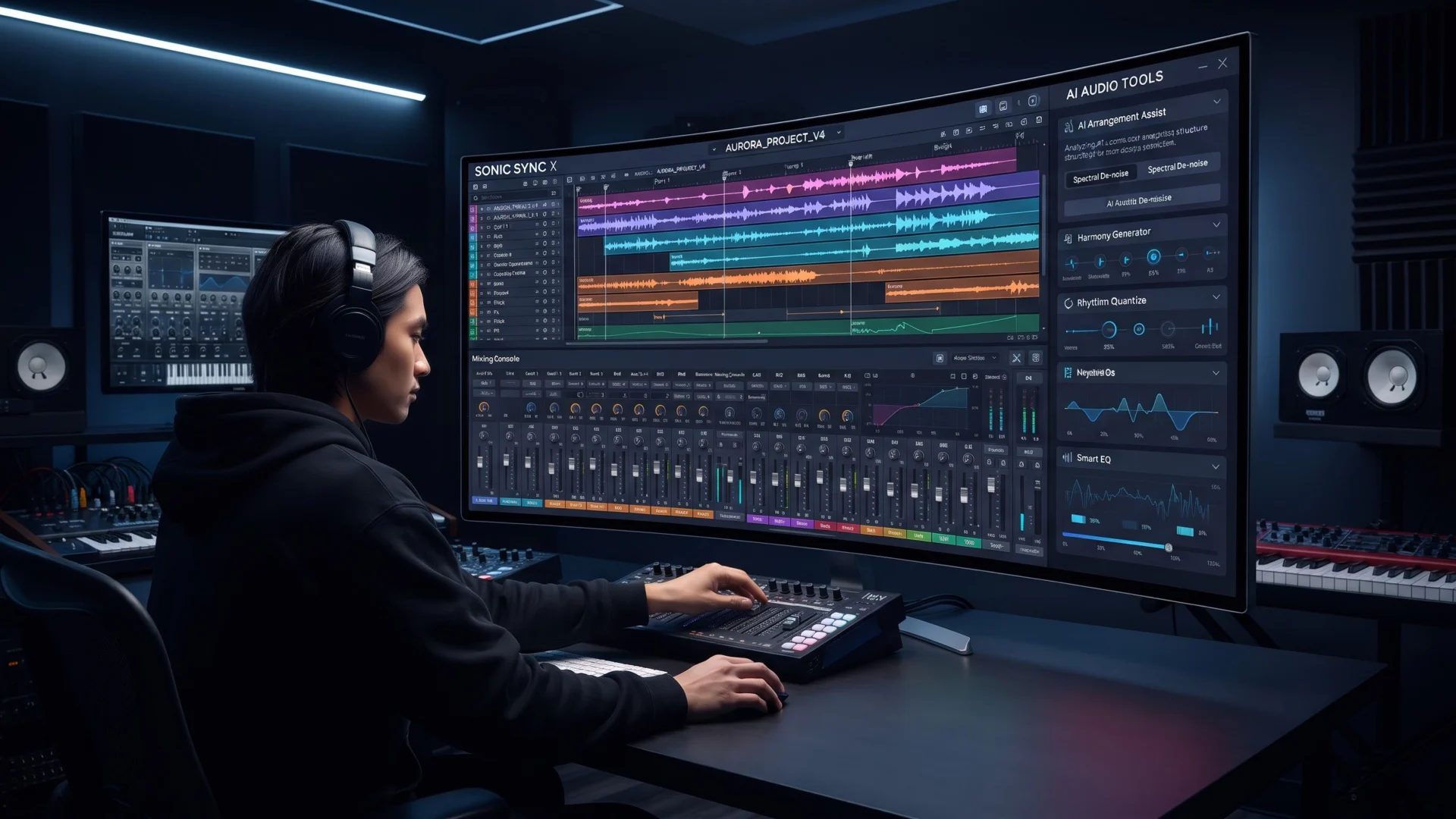
At its core, Sonify functions as a full-scale DAW, but it stretches far beyond a typical timeline sequencer. The workflow is split into modular “studios” tailored for every stage of production:
The Studio Timeline: Features a fast, flexible arrangement workspace with native VST3/CLAP hosting, 17 built-in MIDI FX, session players, and a Node Rack for advanced plugin chaining.
Built-In Sound Sources: Out of the box, it includes four distinct internal instruments: Cayman (virtual analog synth), Natura (modeling synth), Zax (drum machine), and Tomahawk (sampler).
- 2. Standout AI Capabilities and Specialized Studios
What separates Sonify from standard free DAWs is its deep integration of task-specific AI utilities and dedicated helper modules:
The Analog Board & AI Master: An analog-style mixing desk equipped with an intelligent mix and master assistant. It evaluates your tracks against target genres or reference mixes to quickly polish your overall sound.
Plugins Creator Studio: One of the most radical features—producers can describe a custom plugin concept in plain language, allowing Fanan AI to build it before exporting it as a VST3, CLAP, or AU plugin.
Advanced Smart Tools: Includes built-in stem splitting, audio-to-MIDI conversion, and Magenta-powered MIDI generators.
Sampling & Live Show Studios: The Sampling Studio lets you sample any third-party plugin across the keyboard to map custom patches, while the Live Show Studio handles stage playlists, multi-channel streaming, and live jams.
Remote Control: Sonify lets you hook up your smartphone as a remote control for Fanan AI over Wi-Fi or remotely, alongside standard Mackie Control/HUI hardware surface support.
- 3. Pricing and Accessibility Model
Sonify is free to download and use for its core DAW capabilities and multi-platform architecture.
To keep the baseline software free while powering heavy cloud-backed intelligence, Fanan utilizes a pay-per-use AI credit system where purchased credits never expire. This ensures that users only pay for advanced features (like automated AI mixing assistants or text-to-plugin generation) when they actively choose to use them.
- 4. Technical Specifications at a Glance
| Feature Category | Specification Details |
| Platforms | Windows, macOS (Intel & Apple Silicon), Linux |
| Audio Engine | 64-bit low-latency native engine |
| Plugin Formats | VST, VST3, CLAP, AU, LV2 |
| Key Built-ins | Node Rack, 17 MIDI FX, Analog Board, 4 Native Instruments |
| AI Feature Access | Freemium model via non-expiring AI credits |
Final Verdict
Fanan’s Sonify breaks away from the traditional, siloed DAW formula by packing synthesis, modular node routing, live streaming, text-to-plugin generation, and AI mixing into a single ecosystem. Whether you are a beginner looking for smart mastering assistance or an advanced sound designer wanting to prototype custom plugins on the fly, Sonify offers an exceptionally versatile sandbox across all major desktop operating systems.
Head over to the official Fanan Team Sonify Page or read the full announcement on KVR Audio to download the installer and test drive it yourself.